
Upload the photo
Any JPG, PNG, or WebP image with clutter to remove.
Remove unwanted objects and watermarks by brushing over them.
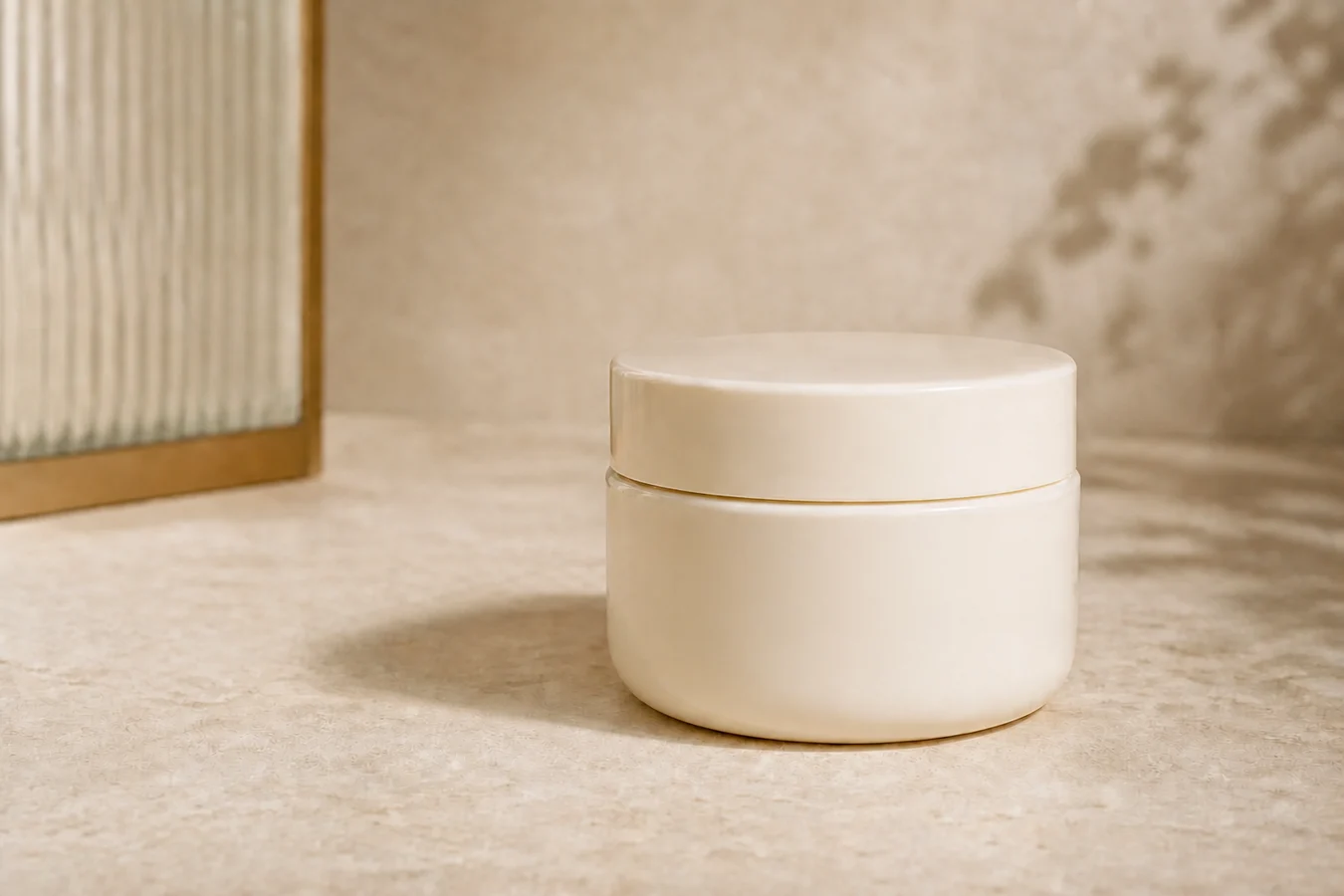
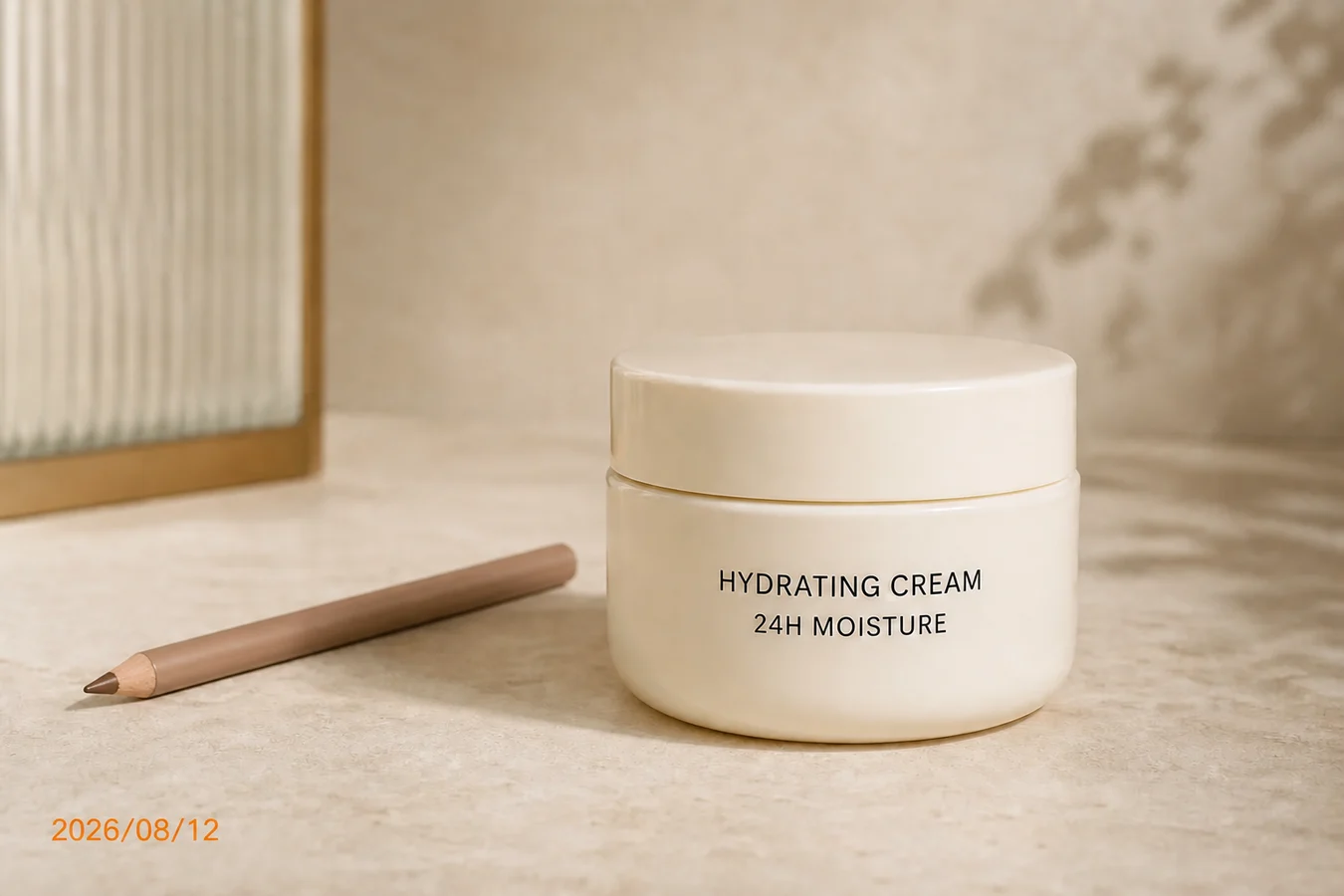
Automatic detection handles reliable visible marks; the brush targets objects such as the makeup pencil. Drag the divider to review the LaMa reconstruction.
IMAGE COMPARISON SLIDER
LAMA · WATERMARK + OBJECT INPAINT
Remove a recognized visible watermark in one click, or paint over an unwanted object for exact control. LaMa rebuilds the selected area from surrounding texture.
The magic eraser removes unwanted objects, people, watermarks, text, and blemishes from photos simply by brushing over them. An online inpainting model fills the removed region with content that matches the surrounding texture, lighting, and perspective — ideal for cleaning up product photos before publishing.
The pipeline runs on cloud models with automatic failover between providers, so heavy edits that local tools struggle with — tiled watermarks across hair, faces, and fabric — are handled gracefully. Upload, brush, erase, and download; source files are never stored beyond the credit audit.
Any JPG, PNG, or WebP image with clutter to remove.
Paint over the object, watermark, or blemish you want gone.
AI inpainting fills the region; export the cleaned image.