Describe the shot
Write a prompt covering the product, materials, setting, and mood.
Generate photorealistic product photos directly from text prompts.

Define the product, material, accessories, background, and light; AI turns the copy into a commercial visual.
EXAMPLE PROMPT
A mist-blue canvas cosmetic bag in a solid-color design, holding an eyebrow pencil, makeup brushes, and a compact mirror; an e-commerce studio product photograph on a white background with soft light.
TEXT TO PRODUCT IMAGE · STUDIO
Generate stunning images from text prompts
2048x2048 · JPEG
Result
Your generated image will appear here
INSPIRATION
Tap an example to load its prompt, then tweak and generate.
SHOWCASE
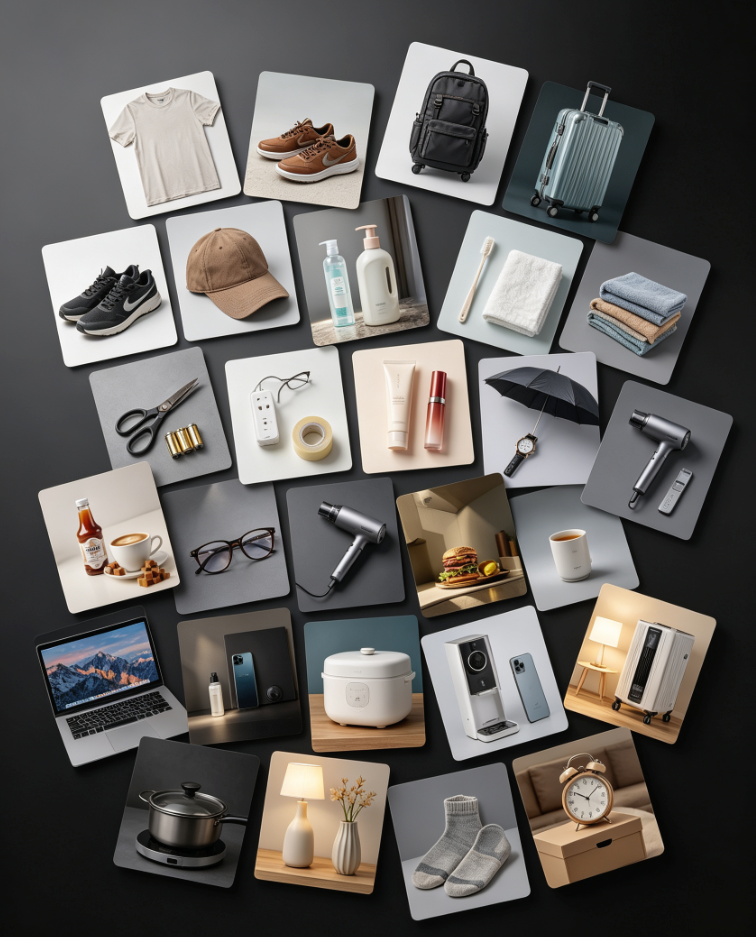
A glimpse of what the studio can produce across e-commerce and seasonal campaigns.
Text to Product Image turns a written description into a finished, photorealistic product photo in seconds. Describe the product, the mood, and the setting — "a matte black ceramic mug on a sunlit marble table with eucalyptus leaves" — and the generator renders balanced lighting, natural shadows, and coherent depth of field.
The model understands ecommerce conventions: hero shots, packshots, flat lays, and editorial compositions. Use it to visualize concepts before a photoshoot, create imagery for digital products, or produce on-brand visuals when physical samples are unavailable. Every render is billed transparently in credits, and results stay in your history for re-download and iteration.
Write a prompt covering the product, materials, setting, and mood.
The model renders a photorealistic frame in seconds.
Export the image or refine the prompt for more variations.